

Description
Stop Watching Endless YouTube Tutorials. Start Designing With Confidence — Today.
Tired of staring at Canva’s blank screen, not knowing where to click?
You’re not alone. Millions of people sign up for Canva every day — and most of them waste hours jumping between confusing YouTube videos, outdated blog posts, and random Reddit threads just to figure out ONE simple feature.
That ends right now.

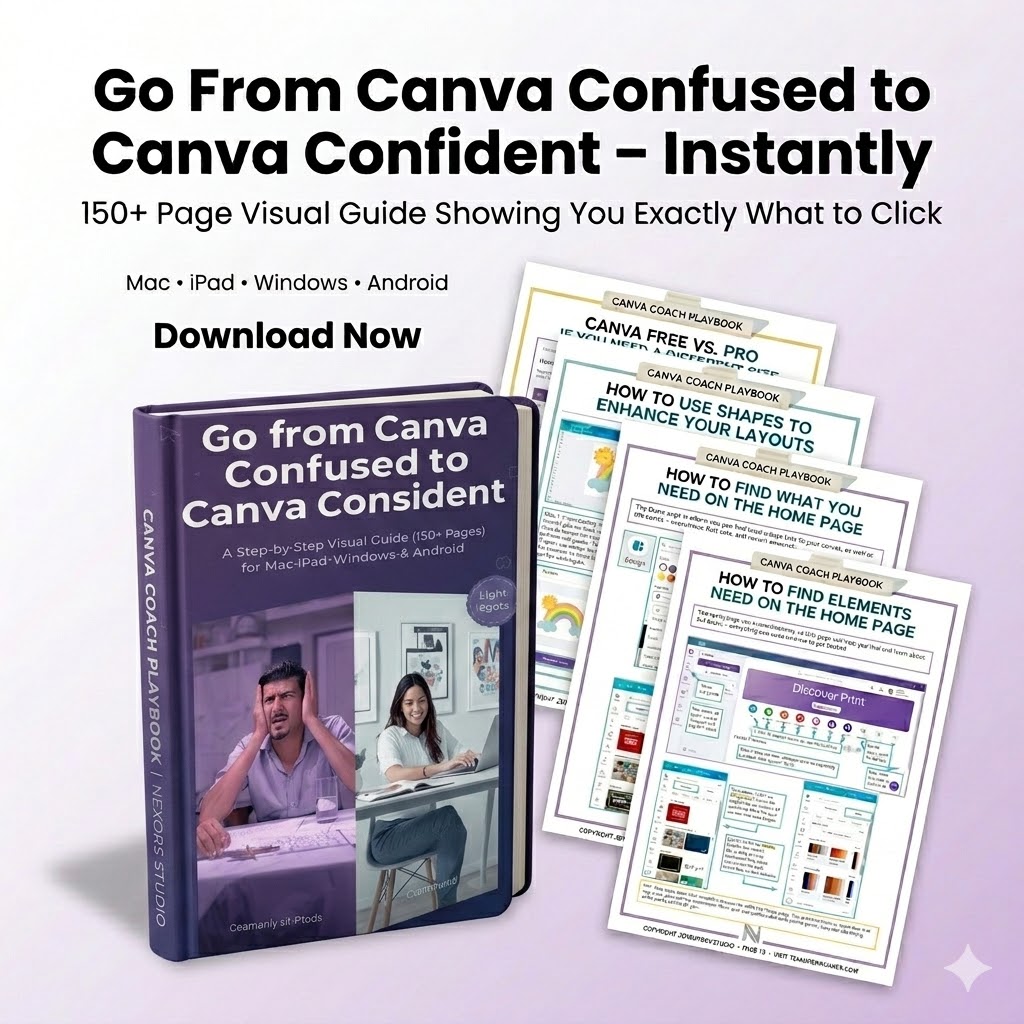
Introducing The Complete Canva Visual Guide by The Nexora Studio
This is the 150+ page, step-by-step visual guide that shows you exactly what to click, exactly where to look, and exactly how to create stunning designs — whether you’re on a Mac, iPad, Windows PC, or Android device.
No fluff. No jargon. No guesswork. Just crystal-clear screenshots and simple instructions that take you from “Canva Confused” to “Canva Confident” — instantly.
🎯 What’s Inside This Game-Changing Guide?
✅ 150+ beautifully designed pages packed with visual walkthroughs
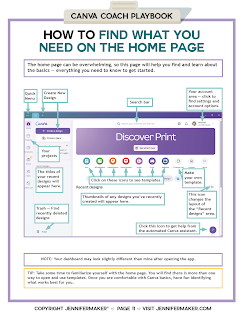
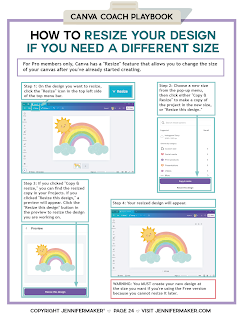
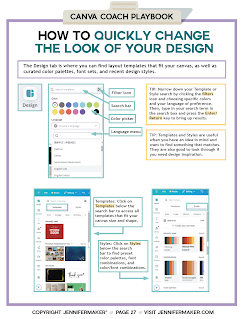
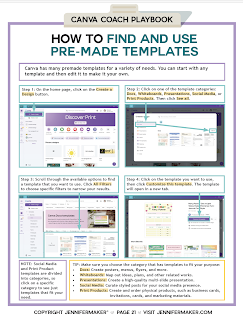
✅ Step-by-step screenshots for EVERY major Canva feature
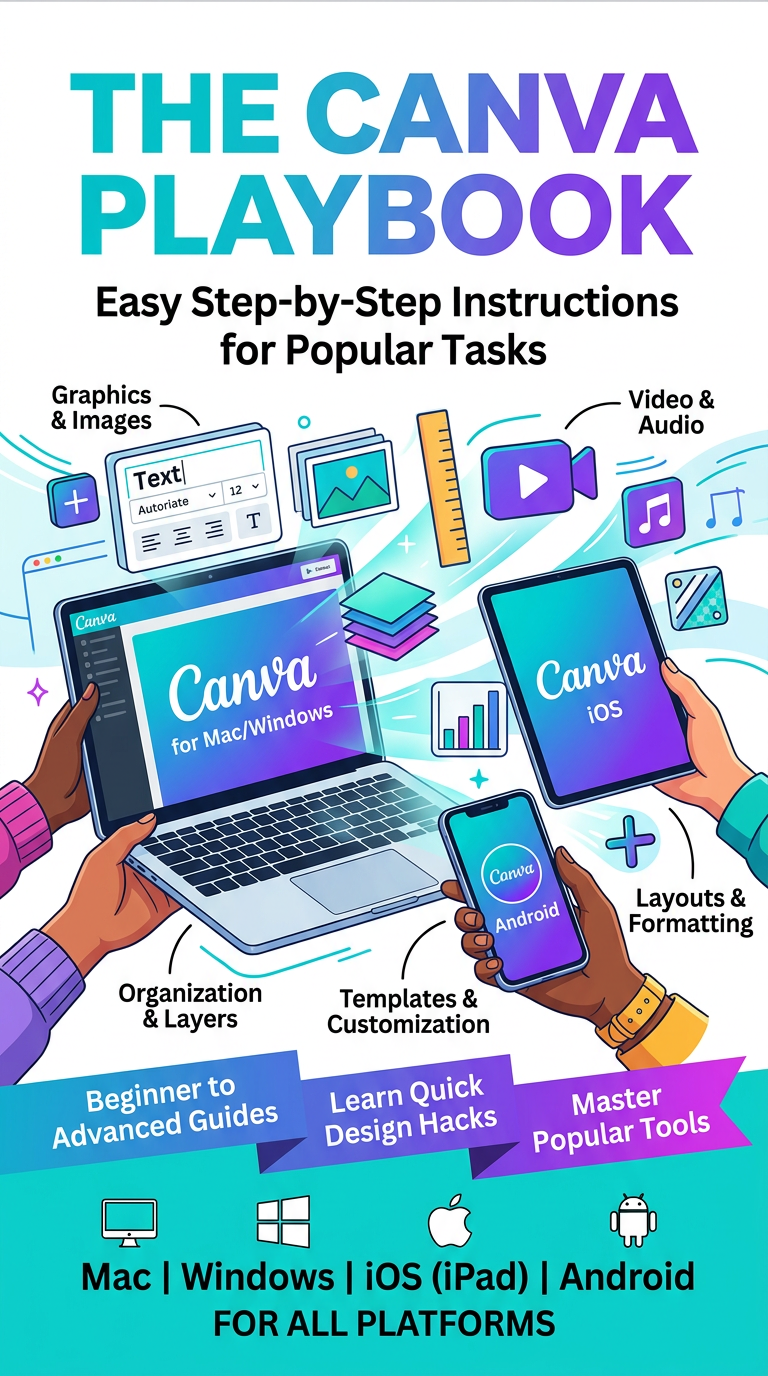
✅ Multi-device coverage — Mac, iPad, Windows & Android instructions included
✅ Beginner-friendly language — zero design experience required
✅ Pro-level techniques — learn tricks most Canva users never discover
✅ Social media templates mastery — Instagram, Facebook, Pinterest, LinkedIn & more
✅ Brand kit setup — fonts, colors, and logos organized in minutes
✅ Photo editing basics — background removal, filters, and enhancements
✅ Presentation design — create slides that actually impress
✅ Print design essentials — business cards, flyers, resumes & more
✅ Canva Free vs. Canva Pro — know exactly what you need (and what you don’t)
💡 Who Is This Guide Perfect For?
🔹 Small business owners who want professional designs without hiring a designer
🔹 Social media managers who need to create scroll-stopping content fast
🔹 Teachers & students looking to make beautiful presentations and projects
🔹 Entrepreneurs & solopreneurs building their brand on a budget
🔹 Complete beginners who’ve never opened Canva before
🔹 Intermediate users who know the basics but want to level up
🔹 Anyone tired of wasting time searching for answers online
🚫 What Makes This Different From Free YouTube Tutorials?
| YouTube Tutorials | The Nexora Studio Guide |
|---|---|
| Scattered across 100+ videos | Everything in ONE organized guide |
| Often outdated | Updated for 2025 Canva interface |
| Hard to follow while designing | Screenshot-based — follow at YOUR pace |
| Only covers one device | Covers Mac, iPad, Windows & Android |
| Full of ads & filler | Zero fluff — every page adds value |
| Can’t bookmark or highlight | Your personal reference guide forever |
⭐ Here’s What You’ll Be Able to Do After Reading This Guide:
📌 Open Canva and know exactly where everything is
📌 Create professional social media posts in under 5 minutes
📌 Design logos, business cards, and marketing materials with ease
📌 Edit photos like a pro — right inside Canva
📌 Build a consistent brand identity across all platforms
📌 Use Canva’s AI tools to speed up your workflow
📌 Navigate Canva confidently on ANY device you own
📌 Never Google “how to _____ in Canva” again

🎁 BONUS: Why The Nexora Studio?
We don’t just teach tools — we simplify creativity. The Nexora Studio is dedicated to making design accessible to everyone, regardless of technical skill. This guide was crafted with the same care we put into everything: clean, clear, and actually useful.
📥 What You’ll Get:
📘 1x Complete Canva Visual Guide — 150+ pages (Digital PDF Download)
💻 Multi-device instructions — Mac, iPad, Windows & Android
🔄 Lifetime access — Download once, reference forever
⚡ Instant delivery — Start learning in the next 60 seconds
🔒 100% Satisfaction Guaranteed
If this guide doesn’t make Canva feel effortless, we want to make it right. Your confidence matters to us.
Reviews
There are no reviews yet.